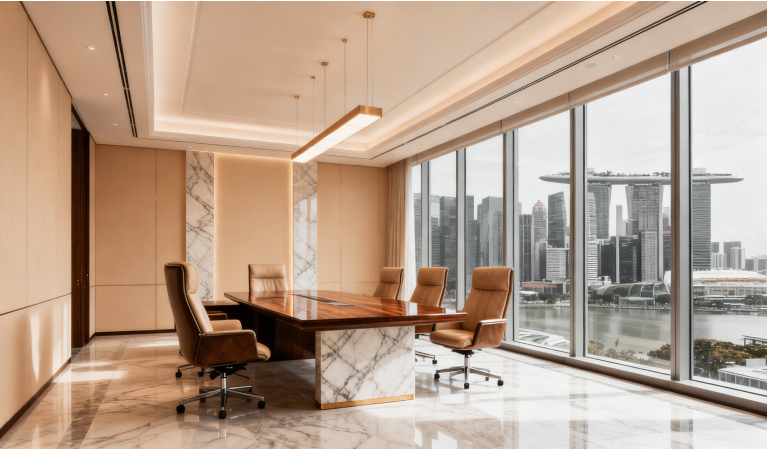
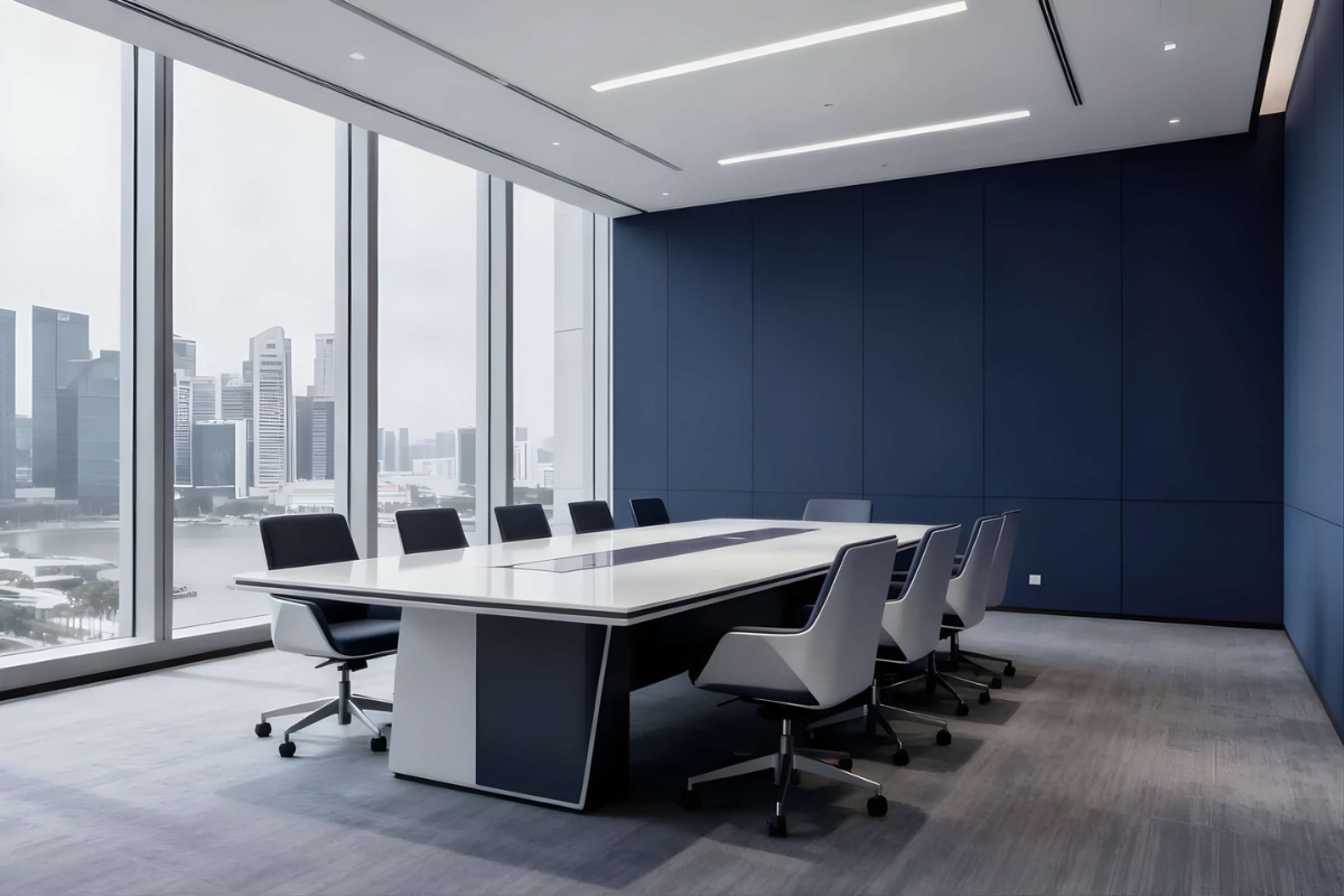
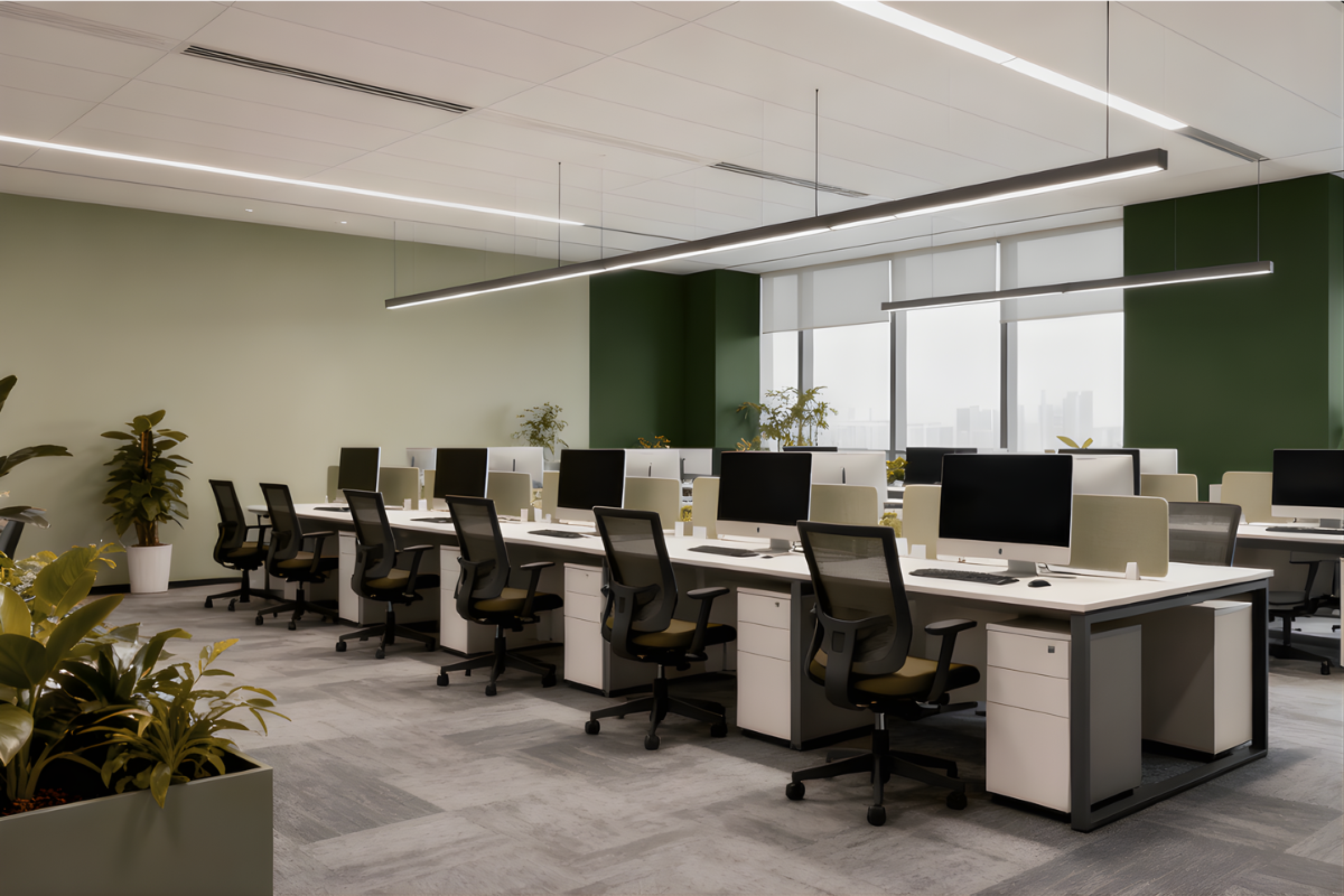
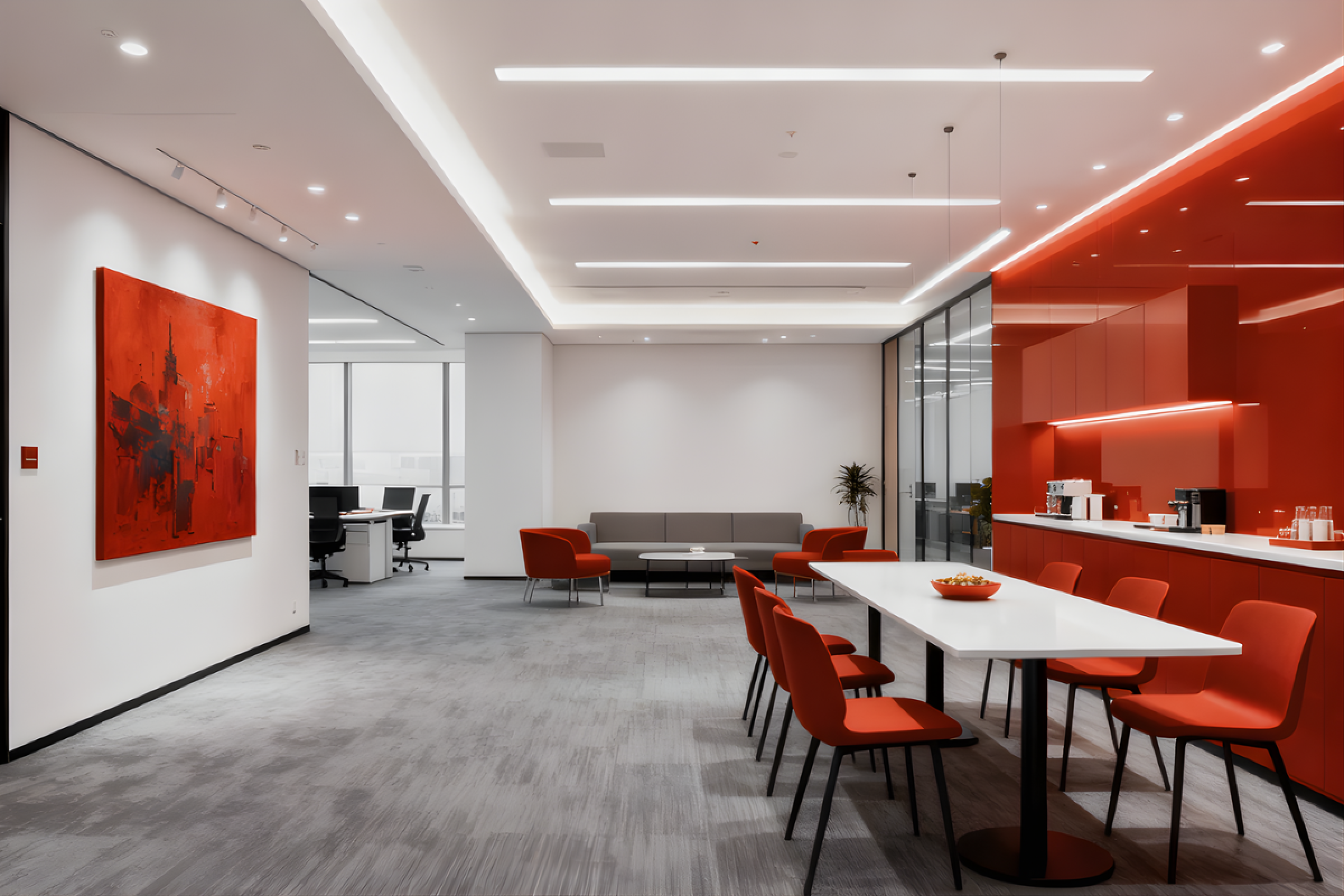
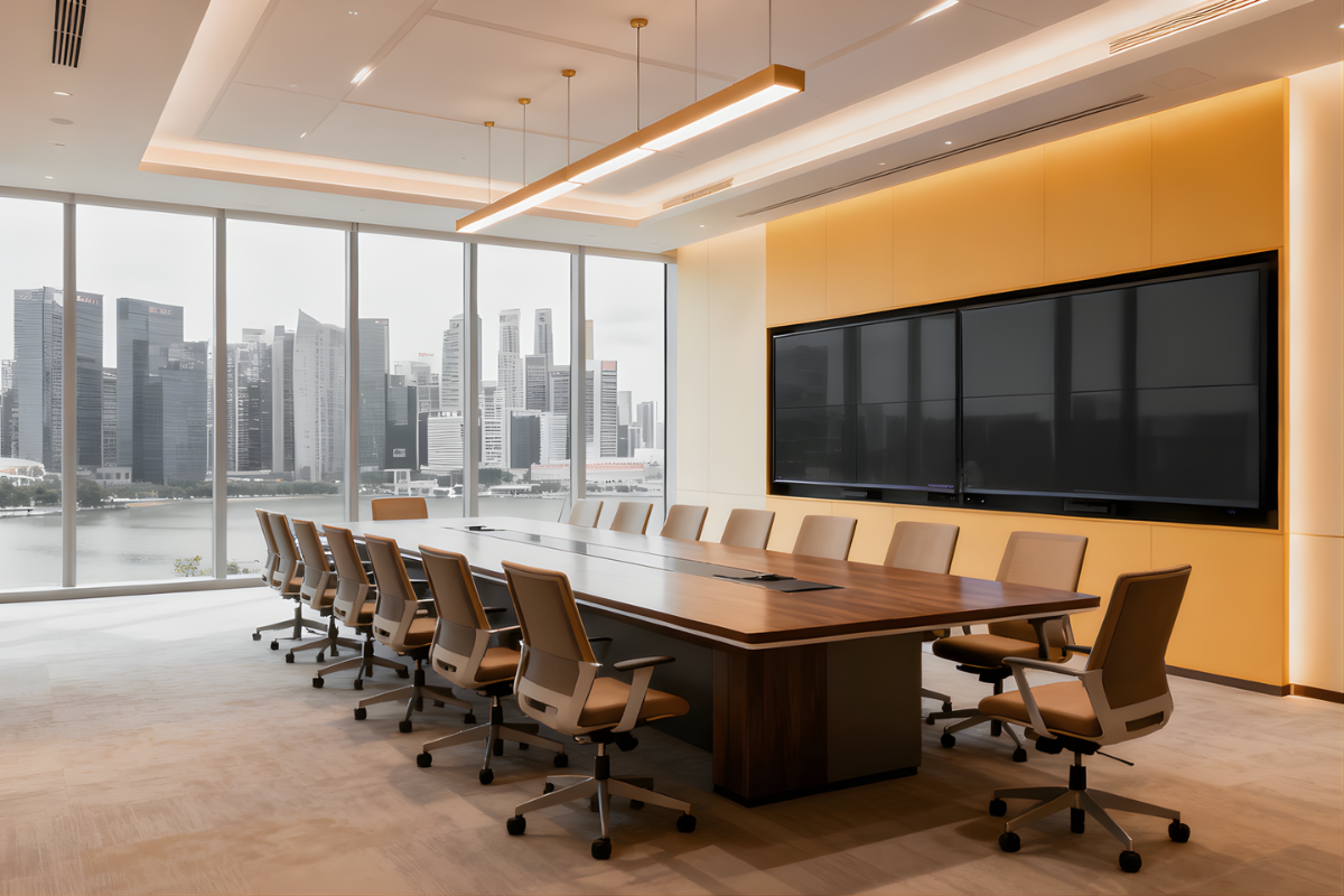
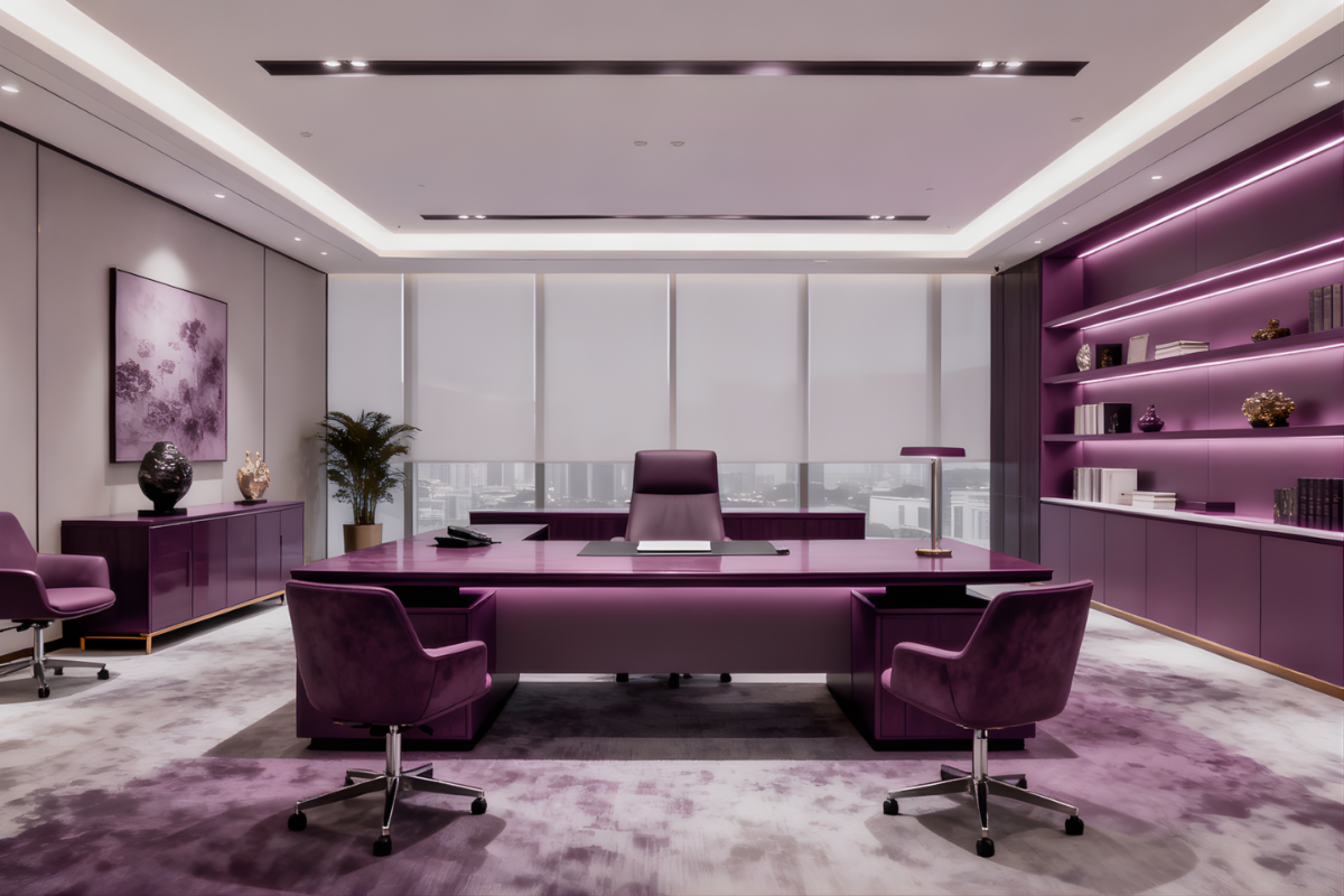
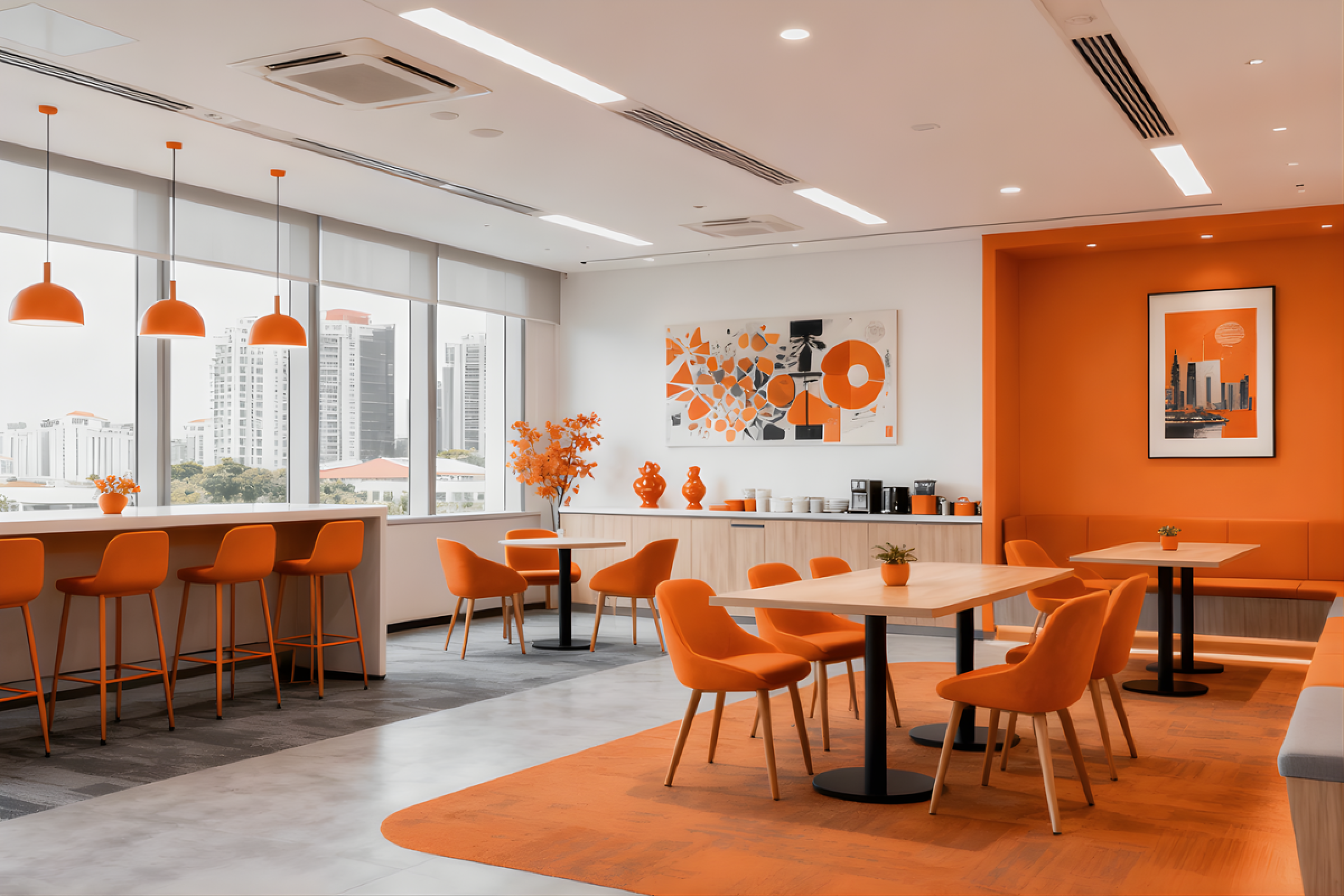
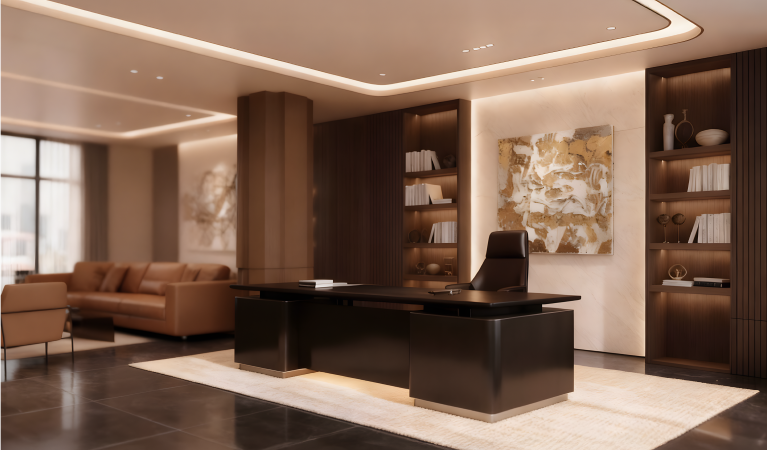
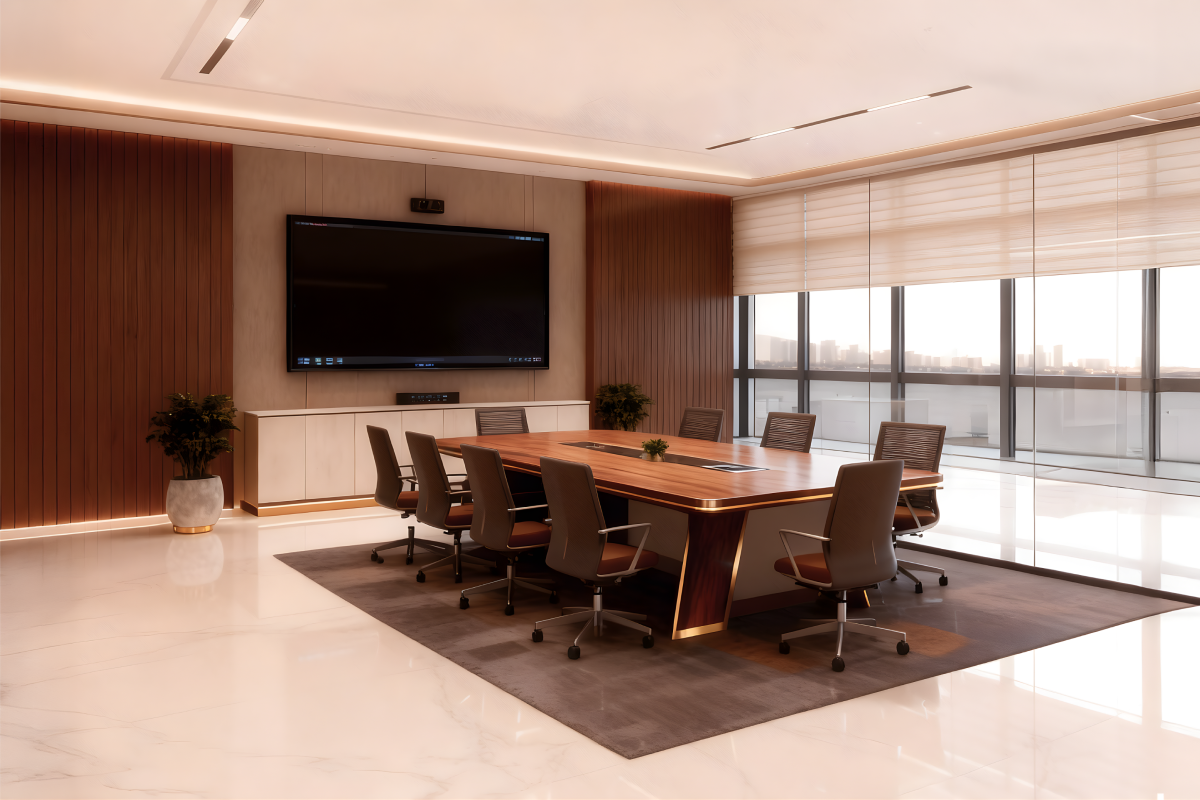
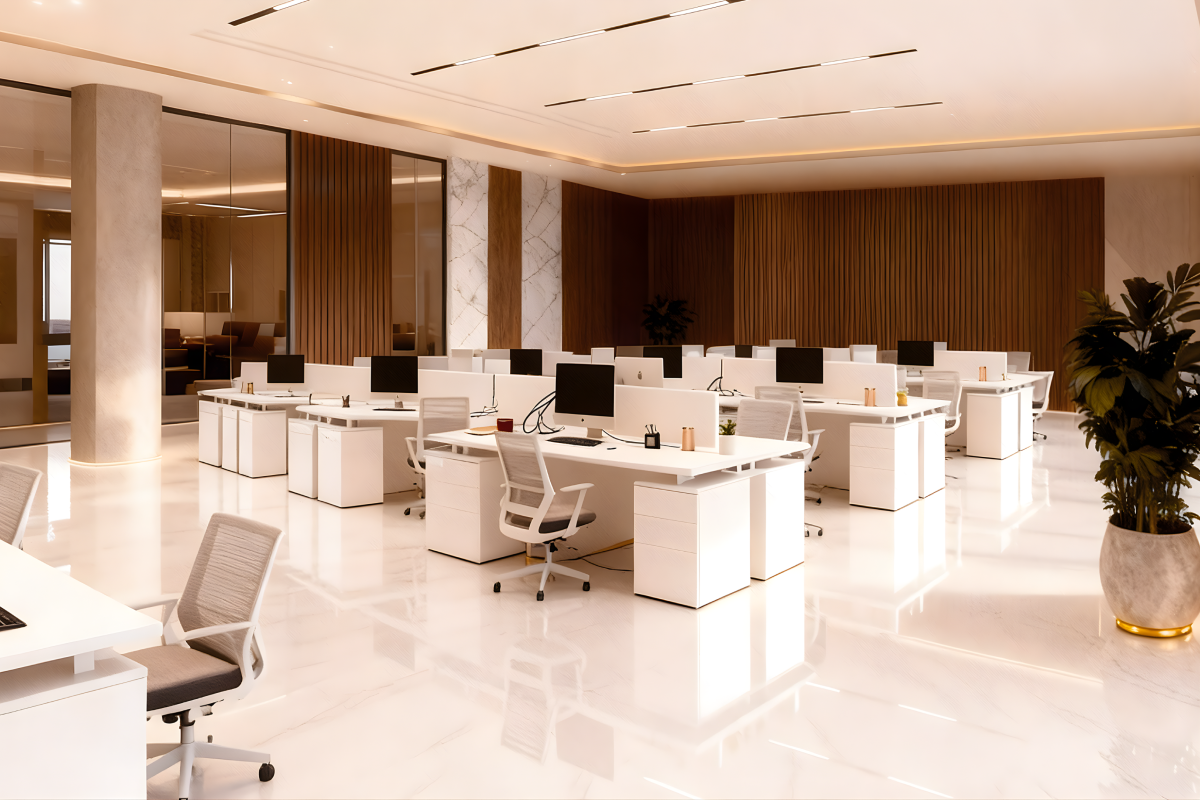
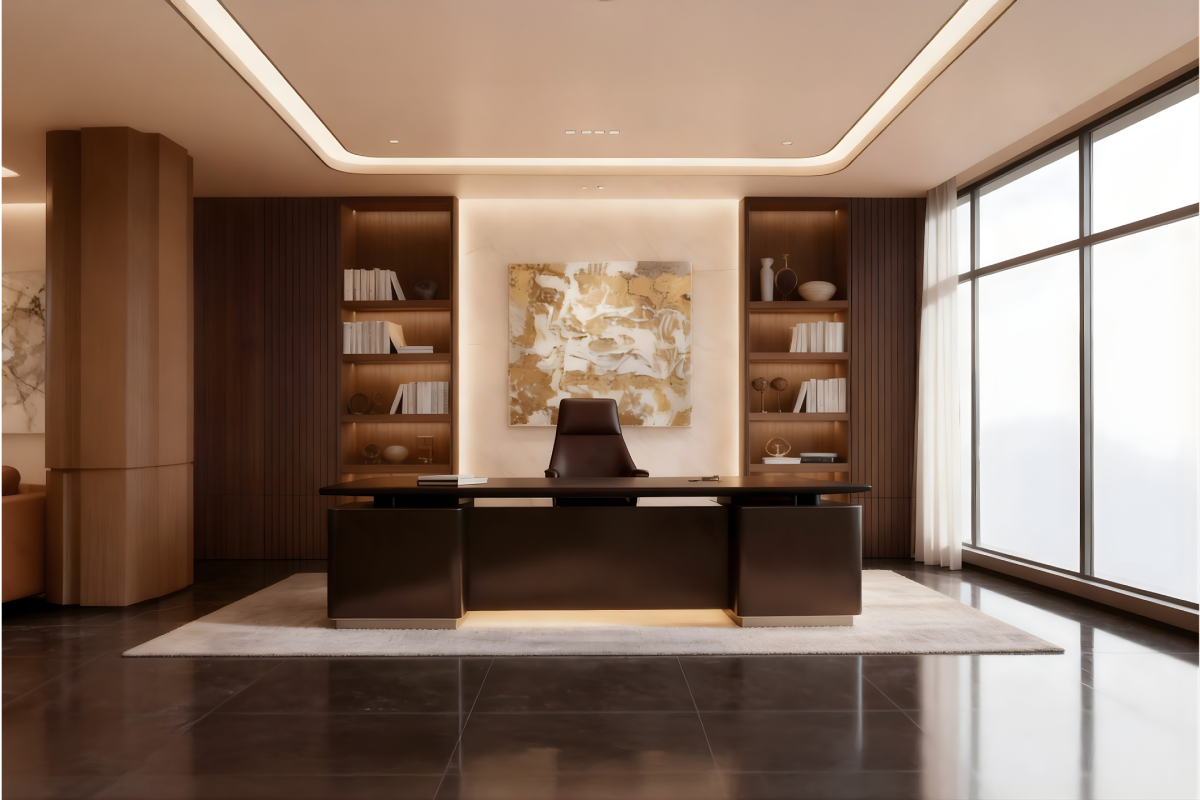
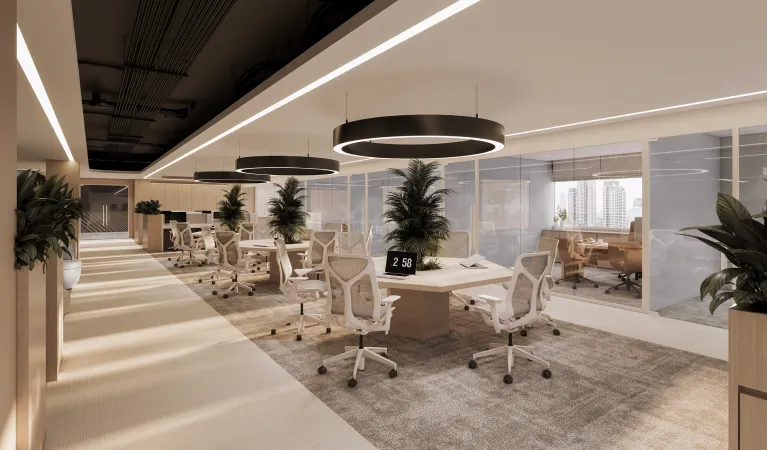
Downsizing Office Spaces and The Rise of Hybrid Work Environments
BY
Race Wong
|
April 21, 2025
|
min. read
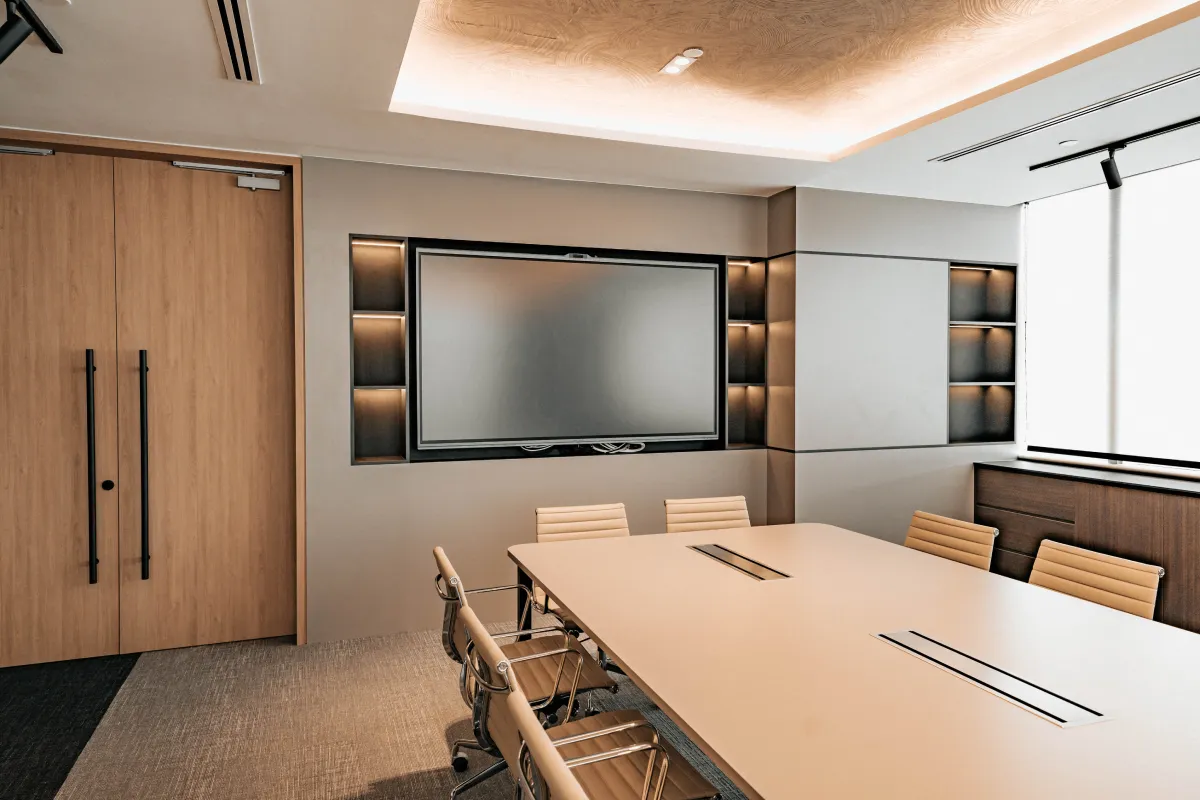
As the world continues to adapt to the post-pandemic landscape, one of the most noticeable shifts in the business sector has been the downsizing of office spaces. With the rise of hybrid work arrangements, many companies are opting for smaller, more efficient office spaces that reflect their evolving needs. The traditional large, multi-floor office environment is being reconsidered as businesses find ways to streamline their operations while still maintaining spaces for collaboration and in-person work.
The Shift Towards Hybrid Workspaces
The shift to hybrid work models, where employees split their time between working remotely and in the office, has reduced the need for expansive office real estate. Many companies have embraced this flexible approach, recognizing that employees could be equally, if not more, productive when working remotely. With fewer people in the office at any given time, companies are choosing to downsize their physical office footprint, saving costs while adapting to the new norm.
However, the office still serves a critical role in fostering collaboration, team culture, and face-to-face interaction. Instead of eliminating office spaces altogether, companies are now focusing on redesigning their office layouts to better align with hybrid work structures.
Why a New Office Layout Matters
Moving into a new, carefully designed office space can offer numerous benefits for businesses adapting to hybrid work. Here’s how a well-thought-out layout can foster a better work environment:
Encourages Collaboration and Creativity
A hybrid work environment means that in-person interactions are now more intentional. By redesigning office layouts to include open collaboration zones, informal meeting areas, and flexible workspaces, companies can encourage spontaneous brainstorming sessions and team collaboration. Employees can use the office as a place to connect, share ideas, and build relationships, making the most of their in-office time.
Flexible Spaces for a Dynamic Workforce
Traditional desks and cubicles are giving way to more adaptable spaces. Hot-desking, shared workstations, and multipurpose rooms allow businesses to use their office space more efficiently. This flexibility allows companies to easily accommodate varying numbers of employees on different days, optimizing the use of the space based on actual demand.
Promotes Well-Being and Comfort
Office design plays a significant role in the overall well-being of employees. Incorporating natural light, ergonomic furniture, and relaxation areas can improve employee comfort and productivity. In a hybrid work model, employees will want the time they spend in the office to be as comfortable and engaging as possible, ensuring they feel supported in their work environment.
Fosters a Sense of Belonging and Company Culture
While remote work offers many advantages, it can be challenging to maintain a strong company culture. A well-designed office space can serve as a hub where employees feel connected to their organization. Thoughtful design elements, like branding, colors, and shared spaces, reinforce a sense of belonging and company identity. It’s a place where teams can gather, not just to work but to build the culture that strengthens the business.
As companies downsize, the key is to maintain the functionality and impact of their office spaces. Smaller, smarter, and more intentional office layouts can offer just as much, if not more, value than larger traditional setups. By focusing on creating dynamic, flexible, and comfortable spaces, companies can turn their downsized offices into productivity powerhouses.
The future of office spaces is not about bigger or smaller—it’s about smarter. Companies moving to new office spaces can take this opportunity to rethink their layouts, fostering better communication, creativity, and well-being. Whether it’s through flexible spaces, collaboration zones, or wellness-focused design, businesses are adapting to hybrid work in a way that maintains their competitive edge while keeping employees engaged and connected. As a real estate specialist, it’s clear that the office of the future is one that works as hard as the employees who use it. It’s a space where downsizing doesn’t mean compromise, but rather an evolution toward a more agile, efficient, and collaborative work environment.
Share
Link copied!
Tags
Office
Insights from the DreamR Team
EXPLORE all blog
July 31, 2026
min. read
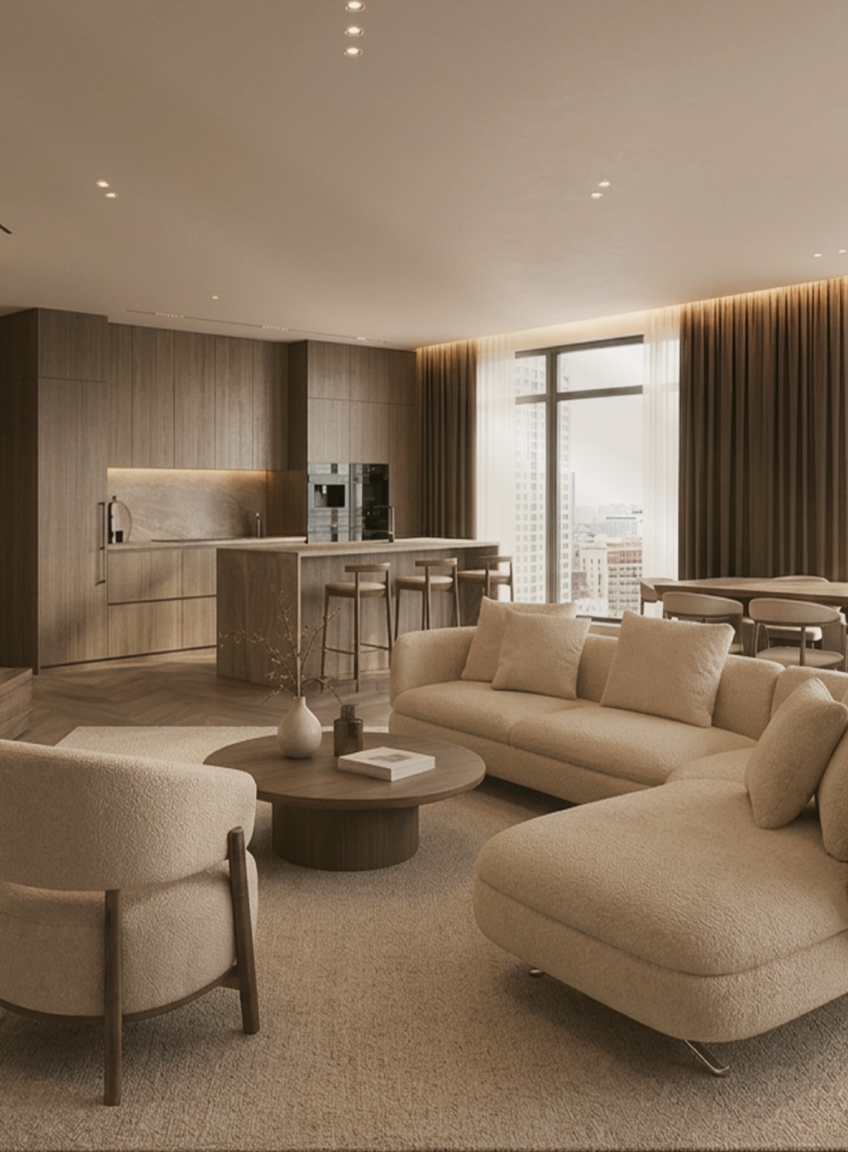
A house may first be noticed for how it looks, but it is ultimately experienced through how it works: the ease of moving between rooms, the quality of light throughout the day and the way spaces support both private routines and time spent together.
In a luxury landed house renovation, visual refinement is only one part of the brief. The wider objective is to create a home that reflects its occupants, responds intelligently to its site and remains comfortable and relevant over many years.
Achieving this requires careful spatial planning, appropriate material choices, technical coordination and a clear understanding of how the household intends to live.
What Should You Consider in a Luxury Landed House Renovation?
A luxury landed house renovation should balance three closely related priorities: beauty, functionality and liveability over time.
These priorities should inform decisions from the earliest planning stage. Before layouts or materials are developed, the design team needs to understand who lives in the house, how their days unfold and how those needs may change.
Questions may include:
Which areas are used most frequently?
When does the household gather, entertain or require privacy?
How should circulation be organised for family members, guests and the practical running of the household?
Is the house intended to accommodate young children, older family members or multigenerational living?
Might bedrooms, studies or other spaces need to serve different purposes later?
Which existing architectural features are worth retaining?
The answers establish a design brief grounded in the household, the property and its long-term use.
Designing Around the Household
Two families living in houses of a similar size may need completely different layouts. You might want everyday life to centre around an open kitchen, dining area and garden. Another household may prefer more contained, clearly separated spaces for working, studying or entertaining guests.
This is why the renovation process should begin with understanding your routines, not simply your aesthetic preferences. How you enter and leave the house, which rooms you use most often and where you need more privacy can all influence the layout. Storage, acoustics and accessibility matter too, as does the balance between shared and personal spaces.
In a landed home, movement between storeys needs particular attention. Frequently used rooms should be placed where they are easy to reach, while the position of stairs and lifts can affect convenience and privacy throughout the house.
The same thinking applies to everyday routes. A convenient connection between the car porch, entrance, kitchen and utility areas can make arrivals easier. Guests might have a more direct route to the entertaining spaces, while household service areas remain efficiently connected but visually discreet.
These choices may seem minor on a floor plan, but you will feel their impact every day.
How Spatial Design Creates a Sense of Luxury
Space can convey luxury through proportion, clarity and control. Ceiling heights, sightlines and the relationship between adjoining rooms shape how generous and composed a landed home feels. When these elements are planned together, each space has a distinct character while remaining part of a coherent whole.
Creating a Considered Spatial Sequence
Spatial sequence describes how the home reveals itself as you move through it. An entrance might offer a framed glimpse of an artwork, courtyard or garden before opening into the main living area. This gradual progression creates a sense of arrival and allows each part of the home to be appreciated in turn.
These techniques are most effective when they support the intended experience of the home. They should not be introduced purely for drama, particularly if doing so compromises circulation, daylight or useful floor area.
Using Proportion to Create Presence
The dimensions of a room, its ceiling height, furniture and architectural details all need to feel balanced. This relationship gives a space its sense of comfort and presence.
A formal dining room may benefit from a more contained ceiling plane, generously scaled furniture and lighting centred precisely above the table. A principal living room may suit greater volume and longer sightlines towards a garden, courtyard or artwork.
A double-height space can give an important communal area greater architectural presence and create a visual connection between storeys. Its position requires careful study, as it also affects acoustics, cooling, privacy and usable floor area.
Variation brings depth to the interior. Expansive rooms create moments of generosity, while more contained spaces offer comfort and privacy. Any proposed changes to floor slabs, ceilings or structural elements must be assessed by the appropriate professionals before being incorporated into the design.
Connecting Indoor and Outdoor Living
Landed properties offer opportunities to establish a closer relationship between interiors, gardens, courtyards and terraces. The right approach depends on how these external spaces will be used.
Large sliding or folding glazed openings can allow living and dining areas to extend towards a garden or pool deck when entertaining. Covered terraces form sheltered transitional spaces that may remain useful during strong sun or rain. Courtyards can introduce daylight, planting and a sense of openness deeper into the house, particularly on long or closely bounded sites.
These connections need to be resolved practically as well as visually. Drainage, weather protection, floor transitions, privacy, security and solar heat gain all require consideration. External materials must also be specified for their exposure conditions rather than selected solely to match the interior palette.
The aim is not necessarily to erase the boundary between inside and outside. In some homes, a clearly defined transition may provide greater shelter, privacy or intimacy. The appropriate solution depends on the architecture of the property and how the household intends to use each space.
Composing Natural Light and Ventilation
Study how light moves through the house before deciding where openings should sit. Morning light may lend itself to a breakfast area or bedroom, while stronger afternoon light requires greater control through orientation, shading and glazing.
The size, depth and position of an opening can shape the atmosphere of a room. A skylight may wash a textured wall with light, while a courtyard can bring a softer glow into the centre of a deep floor plan. Window reveals create shadow and depth; carefully framed views draw attention towards planting, artwork or a significant architectural feature.
Materials should be assessed under the light in which they will be experienced. Honed stone diffuses reflection, polished surfaces create sharper highlights, and timber takes on a different warmth as daylight changes. Samples viewed only under showroom lighting may look noticeably different once installed.
Ventilation and cooling should be resolved with the same care. Openings and internal layouts can encourage air movement where conditions allow, while air-conditioning grilles and other mechanical systems can be integrated discreetly into ceilings and joinery. This preserves both comfort and the visual clarity of the interior.
Selecting Materials With Lasting Presence
Material selection should begin with the atmosphere of the home as a whole. A restrained palette of stone, timber, metal and textured finishes often creates greater depth than using a different statement material in every room. Repeating key materials across floors and architectural details can give the interior a stronger sense of continuity.
Look beyond a small showroom sample. Natural stone should be reviewed as a full slab so its veining, colour movement and variation can be understood. Timber needs to be considered by species, cut, grain direction and finish. Metal samples should be viewed beside the surrounding materials, as subtle differences in tone can become more apparent once installed.
Singapore’s climate also influences how these materials should be specified. Stone used beside a pool requires suitable slip resistance, external metalwork needs an appropriate protective finish, and timber should be selected and detailed for its location and level of moisture exposure. The aim is to preserve the intended appearance while allowing each material to perform reliably.
The final quality is often found in the junctions: where stone meets timber, how a metal trim finishes an edge, or how the veining continues across adjoining panels. Full-size samples and mock-ups allow these details to be assessed before fabrication. Careful setting out, precise installation and well-resolved substrates ensure that the finished surfaces retain the clarity of the original design.
Planning Additions, Alterations and Structural Works
Structural work creates opportunities to reconsider the architecture of the entire home. A new void may allow light to travel across several storeys, an extension can establish a more generous garden frontage, and a reworked façade may give the property a clearer architectural identity.
Before developing these ideas, assess the existing structure, roof, waterproofing and building services. This reveals which elements can be retained, strengthened or carefully reconfigured.
Depending on the proposed scope, the works may fall within Additions and Alterations (A&A) and need to comply with the applicable URA building envelope, height and setback controls. Early coordination with a Qualified Person helps align the architectural vision with structural feasibility, authority requirements, cost and programme.
Carrying the Design Through Construction
Once the spatial and technical strategy has been resolved, the quality of the home depends on how precisely those decisions are documented and executed.
Detailed drawings should coordinate layouts, joinery, finishes, lighting, plumbing, air-conditioning and other building systems. These elements need to be considered together: a ceiling line may depend on duct routes, a stone junction may rely on the correct substrate, and a lighting effect may depend on the exact position of its fittings.
Close coordination between design, costing, procurement and construction reduces ambiguity during the build. It also allows practical constraints to be identified before they compromise an important detail or result in avoidable changes on site.
Regular site reviews enable the team to inspect workmanship, clarify details and respond to existing conditions that could not be fully understood before work began. Material samples and mock-ups may also be used where necessary to assess colour, texture, junctions and fabrication quality before wider installation.
DreamRprovides an integrated design and build service that guides landed homeowners through design development, technical coordination, construction and completion. This approach is intended to preserve the design vision while giving equal attention to buildability, material execution and the practical realities of construction.
If you are considering a luxury landed house renovation in Singapore, book a private consultationwith DreamR to discuss your property, intended scope, lifestyle requirements and level of investment before the design is developed.
Luxury Landed House Renovation in Singapore: Designed for Real Living
September 5, 2025
min. read
Walk into any truly successful office, and you'll immediately sense something different about the energy. The space feels intentional, purposeful—and more often than not, this feeling starts with color.
While most business owners focus on furniture and layout, the colors surrounding your team are quietly influencing everything from productivity levels to creative thinking to stress management. The most effective office color schemes work behind the scenes, creating environments where employees feel energized, focused, and motivated.
Why Color Matters in Your Office
Research shows that color directly impacts how our brains work. Different colors affect our heart rate, attention span, and even our ability to think creatively. This means you can actually use color strategically to support your business goals and help your team perform better.
Blue enhances focus. Red increases energy. Green reduces stress. When you understand these effects, you can create work environments that actively help your team succeed.
Blue: The Focus Enhancer
Blue is proven to enhance concentration and analytical thinking. People perform better on detail-oriented tasks in blue environments, making it one of the most valuable colors for office spaces.
Best for these spaces:
Conference rooms where important decisions are made
Accounting and finance departments
Reception areas to project competence and trust
Executive offices to convey authority
Any workspace requiring sustained concentration
How to use it: Light blues create calm, focused energy. Navy blues convey authority and trustworthiness. Use blue as accent walls rather than painting entire rooms—too much blue can feel cold or impersonal.
Green: The Stress Reducer
Green is the most versatile office color because it naturally reduces stress while keeping people alert. It's the easiest color for our eyes to process, making it perfect for environments where people spend long hours on computers.
Best for these spaces:
Open office areas where stress management is crucial
Collaboration zones for calm, productive discussions
Break rooms for relaxation and restoration
Any area with extensive screen time
Spaces where people work long hours
How to use it: Sage and soft greens work beautifully in large areas. Forest greens convey stability and growth. Green works well as both accent colors and larger wall treatments without being overwhelming.
Red: The Energy Activator
Red increases heart rate and creates urgency. It's powerful for spurring action and energy, but it needs to be used carefully because too much can increase stress and even aggression.
Best for these spaces:
Break rooms to encourage dynamic interaction
Sales departments to energize teams
Informal meeting areas for brainstorming
Workout or wellness rooms
Areas where quick decisions are needed
How to use it: Use red sparingly—in artwork, accent pieces, or single feature walls. Avoid using red in spaces where people need to concentrate for long periods or in high-stress departments.
Yellow: The Creativity Catalyst
Yellow stimulates mental activity and promotes creative thinking. It's excellent for innovation and problem-solving, but bright yellows can cause eye strain if overused.
Best for these spaces:
Brainstorming rooms
Design studios and creative departments
Innovation labs
Strategic planning areas
Spaces where teams solve complex problems
How to use it: Choose soft, warm yellows like butter cream or pale gold rather than bright sunshine yellow. Use yellow as an accent color in furniture or artwork rather than covering entire walls.
Purple: The Inspiration Generator
Purple stimulates imagination while conveying sophistication. It's associated with creativity, luxury, and innovative thinking.
Best for these spaces:
Creative meeting rooms
Executive offices for big-picture thinking
Design firms and consulting companies
Innovation centers
Spaces where premium services are discussed
How to use it: Lavender and soft purples create inspiring yet calming environments. Deeper purples convey luxury. Use purple strategically in spaces where creative thinking is important, typically as accent colors.
Orange: The Social Connector
Orange combines energy with optimism, promoting enthusiasm and social interaction. It's particularly valuable for team collaboration and communication.
Best for these spaces:
Break rooms and cafeterias
Informal meeting areas
Team collaboration zones
Social spaces and lounges
Areas where you want to encourage friendly interaction
How to use it: Orange can be overwhelming in large doses, so use it as an accent color in furniture, artwork, or decorative elements rather than painting entire walls.
Smart Color Combinations
The most sophisticated offices use neutral foundations with strategic color accents:
Neutral Base + Blue Accents: Perfect for professional environments that need to project competence while supporting focused work.
Neutral Base + Green Accents: Ideal for high-stress environments or offices with lots of screen time.
Neutral Base + Multiple Strategic Colors: Use blue in focus areas, green in relaxation zones, and yellow in creative spaces for maximum psychological benefit.
Department-Specific Strategies
Finance & Accounting:
Primary: Blue for enhanced focus on detailed work
Secondary: Small amounts of green to reduce stress
Creative Teams:
Primary: Yellow and purple accents for innovation
Secondary: Green for calm focus during detailed work
Sales & Marketing:
Primary: Orange and red elements for energy and enthusiasm
Secondary: Blue for strategic thinking sessions
Human Resources:
Primary: Green and soft blue for approachable professionalism
Secondary: Warm neutrals for comfort during sensitive conversations
Practical Implementation Tips
Start Small: Test colors with removable elements like artwork, furniture, or accessories before committing to paint.
Consider Lighting: Colors look different under various lighting conditions. Test samples under your actual office lighting.
Think Cultural Context: In Singapore's multicultural environment, consider how different cultures view colors. Red, for example, is particularly positive in Chinese culture.
Avoid Overwhelming: Use the 60-30-10 rule: 60% neutral base, 30% secondary color, 10% accent color.
Plan for Longevity: Choose colors that align with your long-term brand rather than current trends.
Measuring Success
Pay attention to changes in your team after implementing new colors:
Are people more collaborative in green-accented meeting rooms?
Do staff seem more energized in areas with warm accents?
Are there fewer complaints about eye strain in green-enhanced computer work areas?
Common Mistakes to Avoid
Too Much of One Color: Even positive colors become overwhelming when overused.
Ignoring Function: Don't choose colors just because they look good—consider what work happens in each space.
Following Trends Blindly: Choose colors that support your team's actual work rather than what's currently popular.
Forgetting About Balance: Every color scheme needs neutral areas where eyes can rest.
The Bottom Line
Color psychology in office design isn't about creating rainbow workplaces—it's about making strategic choices that support your team's performance and wellbeing. When done thoughtfully, the right colors can boost productivity, reduce stress, enhance creativity, and even improve employee satisfaction.
The key is understanding what work happens in each space and choosing colors that support those activities. A small investment in strategic color choices can yield significant returns in employee performance and workplace satisfaction.
How to Use Color Psychology in Office Design
September 5, 2025
min. read
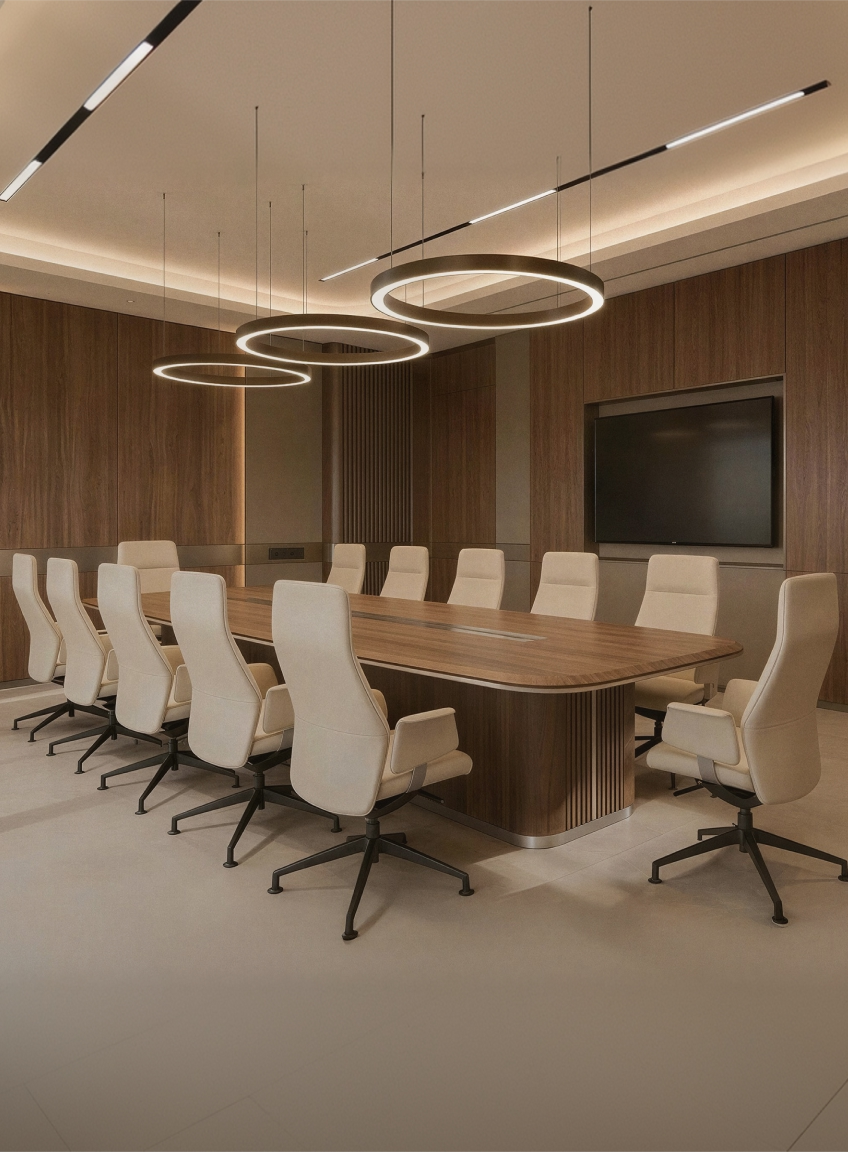
Your office isn't just where work happens—it’s also a visual representation of your brand. Whether you're welcoming clients or fostering a productive environment for employees, every corner of your space should communicate who you are. For businesses in Singapore, where space is often limited and design standards are high, aligning your office renovation with your brand identity isn't just a nice-to-have—it’s a strategic move.
Why Your Office Design Should Reflect Your Brand
First impressions count. A thoughtfully designed office space helps you stand out in a competitive market, attract the right clients, and boost employee morale. Imagine walking into a law firm with beanbags and neon lights—it would likely send mixed signals.
That’s why a professional office renovation expert will take the time to understand your brand’s values, tone, and style before proposing a design plan. Whether you’re running a modern tech startup or an established consulting firm, your office interior renovation should mirror your core identity.
Step 1: Define Your Brand Before You Renovate
Before calling a commercial office renovation team, get clear on your brand personality. Ask yourself:
Is your brand more formal or casual?
Are you sleek and minimal or warm and welcoming?
What colours, textures, or materials are associated with your visual identity?
These answers will guide everything from material selection to space layout. For example, a luxury real estate firm in Singapore might go for polished marble, warm lighting, and deep-toned wood, while a creative agency could lean into exposed ceilings, bold colours, and modular furniture.
Step 2: Incorporate Your Brand Colours and Style Thoughtfully
Using brand colours doesn’t mean painting every wall in your logo shade. It’s about subtle integration—think statement furniture, light fixtures, or accent walls. A good office interior design company will balance aesthetics with functionality so your space doesn’t feel overbranded or distracting.
For companies in Singapore, where office units vary in size and configuration, customisation is key. Work with an office renovation company Singapore that understands both branding and local building requirements.
Step 3: Use Layout to Reflect Your Work Culture
Your office layout speaks volumes about how your company operates. If collaboration is a big part of your brand, open workspaces with shared tables and glass-walled meeting rooms can support that. On the flip side, if your work demands privacy or quiet, dedicated zones or enclosed pods may be more suitable.
Zoning your singapore office interior around your workflow will not only increase productivity but also reinforce what your brand stands for. For example, a consultancy that values deep thinking might design quieter breakout areas or use sound-absorbing materials throughout the space.
Step 4: Align Furniture and Fixtures with Your Identity
From reception counters to boardroom tables, your furniture choices should align with your brand tone. A forward-thinking tech firm might go for height-adjustable desks, ergonomic chairs, and a flexible lounge area, while a corporate law firm might lean into timeless executive desks and leather finishes.
A reputable office interior designer singapore can help you source or custom-build pieces that fit both your branding and the ergonomic needs of your team.
Step 5: Don’t Forget Lighting and Materials
Materials and lighting play a major role in shaping your office’s mood and character. Do you want your space to feel grounded and natural? Consider raw wood, stone, or earth tones. Looking to convey a high-tech edge? Polished metal, sleek finishes, and cooler lighting may suit you better.
Your office interior design company singapore should offer guidance on material selection that enhances your identity without compromising on durability—especially important in Singapore’s humid climate.
Step 6: Weave in Company Culture and Storytelling
The most memorable offices are those that tell a story. Think about ways to showcase your history, achievements, or team spirit. Gallery walls, branded signage, or even a customised mural can be powerful without being overly corporate.
In a renovation office project, these unique touches often become focal points that set you apart from generic commercial spaces.
Step 7: Work with the Right Partner
Executing a brand-aligned office space renovation takes more than just good taste—it requires the right team. Choose an experienced office renovation company that can deliver both visual appeal and technical precision.
In Singapore, strict regulations and limited space can present challenges, so it’s essential to hire a team that understands local guidelines and can work within your budget and timeline.
Ready to Bring Your Brand to Life Through Design?
With years of experience in commercial office renovation projects across Singapore, our team knows how to transform workspaces into brand statements. From planning to execution, we ensure every design choice reflects your identity and supports your operations.
Contact us today for a free consultation to discuss your dream space!
Explore our extensive portfolio of office projects to inspire your next renovation.
How to Renovate Your Office to Reflect Your Brand Identity
September 3, 2025
min. read
The modern office renovation isn't just about beautiful interiors—it's about creating spaces that actively boost productivity through intelligent technology integration. While aesthetics matter, today's competitive business environment demands workspaces that enable teams to collaborate more effectively, present more compellingly, and work more efficiently.
The smartest office technology investments are the ones employees notice and appreciate immediately: tools that eliminate daily frustrations, enhance presentations, and make collaboration feel effortless. When planning your office renovation, these are the technologies that deliver instant impact and measurable returns.
Interactive Displays That Transform Meetings
Gone are the days of fighting with projectors and tangled cables. Large-format interactive displays have revolutionized how teams collaborate and present. These aren't just big screens—they're digital canvases where ideas come to life.
Touch-enabled displays allow multiple team members to annotate, sketch, and modify presentations in real-time. Imagine brainstorming sessions where everyone can literally draw their ideas on the same screen, or client presentations where you can mark up architectural plans instantly based on feedback.
Wireless screen sharing eliminates the cable chaos that used to plague meeting rooms. Team members can share their laptops, tablets, or phones to the display instantly, making transitions between presenters seamless and professional.
Multi-touch capabilities enable true collaboration—several people can work on the same digital whiteboard simultaneously, perfect for design reviews, strategy sessions, and creative problem-solving.
Smart Whiteboards That Never Run Out of Space
Digital whiteboards have evolved far beyond simple drawing surfaces. Modern smart boards offer infinite canvas space, automatic handwriting recognition, and seamless integration with popular business applications.
These systems can recognize and convert handwritten notes into digital text, making brainstorming sessions immediately searchable and shareable. Drawings and diagrams can be instantly exported to project management tools or shared via email.
Template libraries provide structured frameworks for different meeting types—project planning, SWOT analysis, design thinking sessions—eliminating setup time and ensuring productive discussions.
Cloud integration means whiteboard sessions automatically save to shared drives, so brilliant ideas from Friday afternoon brainstorming are still accessible Monday morning.
Video Conferencing That Actually Works
Poor video conferencing technology undermines remote collaboration and frustrates both in-office and remote team members. Professional-grade solutions eliminate these pain points while creating impressive client experiences.
Auto-framing cameras intelligently track speakers and adjust the view to include all participants, eliminating the need for manual camera operation. This is particularly valuable for Singapore businesses working with international clients and partners.
Noise cancellation and acoustic optimization ensure clear communication even in open office environments. Advanced microphone arrays can isolate voices while suppressing background noise, making remote participants feel truly included.
One-touch meeting start eliminates the technical delays that often plague video calls. Calendar integration automatically loads correct meeting details and connects participants instantly.
Digital Signage for Dynamic Communication
Smart displays throughout the office can transform how information is shared and how visitors experience your space. These systems go far beyond basic announcements to create engaging, informative environments.
Welcome displays in reception areas can automatically show personalized greetings for scheduled visitors, display company achievements, or showcase current projects. This creates professional first impressions while reducing reception desk workload.
Wayfinding displays help visitors and new employees navigate complex office layouts, while directory systems can show real-time room availability and booking information.
Internal communication boards can display company news, project updates, celebration announcements, and important reminders, ensuring everyone stays informed without email overload.
Wireless Presentation Systems
Traditional presentation setups create friction that undermines productivity and professionalism. Wireless systems eliminate cables while adding powerful capabilities that enhance how ideas are shared.
Multiple device connectivity allows seamless switching between presenters using different devices and operating systems. Mac, PC, tablet, or phone—everything connects effortlessly.
Screen splitting enables comparison presentations, showing before-and-after designs side by side, or displaying multiple data sources simultaneously for comprehensive analysis.
Annotation tools allow presenters to mark up any content in real-time, whether it's highlighting important data points, circling key design elements, or adding notes to architectural drawings.
Smart Booking and Room Management
Office space optimization becomes crucial as real estate costs rise. Smart booking systems maximize utilization while eliminating the frustration of phantom bookings and unavailable rooms.
Touch-screen panels outside meeting rooms display real-time availability and allow instant booking for impromptu meetings. QR code integration enables smartphone booking without downloading additional apps.
Automatic room release systems detect when booked rooms are empty and make them available for others, maximizing space utilization in expensive Singapore office markets.
Analytics dashboards show which spaces are most popular, helping inform future renovation decisions and space allocation strategies.
Integrated Audio Solutions
Professional audio systems eliminate the "can you hear me now?" moments that plague many meetings while creating environments conducive to different work activities.
Ceiling-mounted microphone systems capture clear audio from anywhere in the room without requiring participants to pass around handheld microphones or crowd around conference phones.
Zone-based audio control allows different areas to have appropriate sound levels—quiet background music in collaboration areas, clear audio for presentation spaces, silence for focused work zones.
Smartphone integration enables employees to stream background music or take calls through room audio systems, creating more comfortable and productive work environments.
Mobile Device Integration
BYOD (Bring Your Own Device) environments require infrastructure that works seamlessly with personal and company devices while maintaining security and functionality.
Wireless charging stations integrated into desks and meeting tables eliminate cable clutter while ensuring devices stay powered throughout the workday.
Universal connectivity hubs support multiple device types and charging standards, accommodating the diverse technology preferences of modern teams.
Secure guest networks provide client and visitor internet access without compromising company security, essential for Singapore businesses hosting international partners.
Smart Lighting with Purpose
While full climate systems might be overkill, smart lighting provides immediate, noticeable benefits that employees appreciate and clients notice.
Task-specific lighting presets optimize illumination for different activities—bright light for detailed work, softer lighting for creative sessions, presentation lighting for client meetings.
Motion-activated systems in less frequently used areas like storage rooms and copy centers provide convenience while reducing energy costs.
Circadian lighting in key areas can boost alertness during important work periods and create more comfortable environments for extended meetings.
Implementation Strategy for Maximum Impact
The key to successful smart technology integration during renovation is prioritizing solutions that solve real problems your team faces daily. Start with the technologies that will be used most frequently and provide the most obvious benefits.
Plan technology integration during the design phase to ensure adequate power, networking, and mounting solutions. Hiding cables and ensuring clean installations requires coordination between technology and renovation teams.
Consider user training and change management to ensure new technologies enhance rather than complicate daily workflows. The best systems feel intuitive, but brief training sessions can unlock advanced features that provide additional value.
Return on Smart Technology Investment
Smart office technology typically pays for itself through improved productivity, enhanced client impressions, and reduced operational friction. Eliminating daily technology frustrations allows teams to focus on valuable work rather than troubleshooting equipment.
Professional presentation capabilities can directly impact client relationships and business development, particularly important for Singapore companies competing in international markets.
Space optimization through smart booking and management systems maximizes expensive real estate investments while improving employee satisfaction with available resources.
Future-Ready Technology Choices
Choose systems that can grow and evolve with your business needs. Cloud-based solutions provide access to continuous updates and new features without major infrastructure changes.
Open standards and platform-agnostic solutions enable integration of best-of-breed tools while preventing vendor lock-in situations that could limit future flexibility.
The goal is creating an office environment where technology enhances human capability and collaboration rather than creating additional complexity or distraction.
How to Incorporate Smart Technology into Your Office Renovation
EXPLORE all blog
CURIOUS WHAT WE CAN DO FOR YOUR SPACE?
Send us a message, and we'll be happy to walk you through it.
START YOUR PROJECT
Renovation starts at $300,000
Get IN TOUCH
Facebook
Instagram
+65 9727 3132
hello@thedreamrproject.com
211 Henderson Road, #02-04 Henderson Industrial Building Singapore 159552
Get IN TOUCH
Message sent!
We’ll circle back to you, meanwhile just sit and dream of your future space.
Oops! Submission encountered a hiccup. Please try again.
Facebook
Instagram
+65 9727 3132
hello@thedreamrproject.com
211 Henderson Road, #02-04 Henderson Industrial Building Singapore 159552


.svg)
.svg)






.svg)